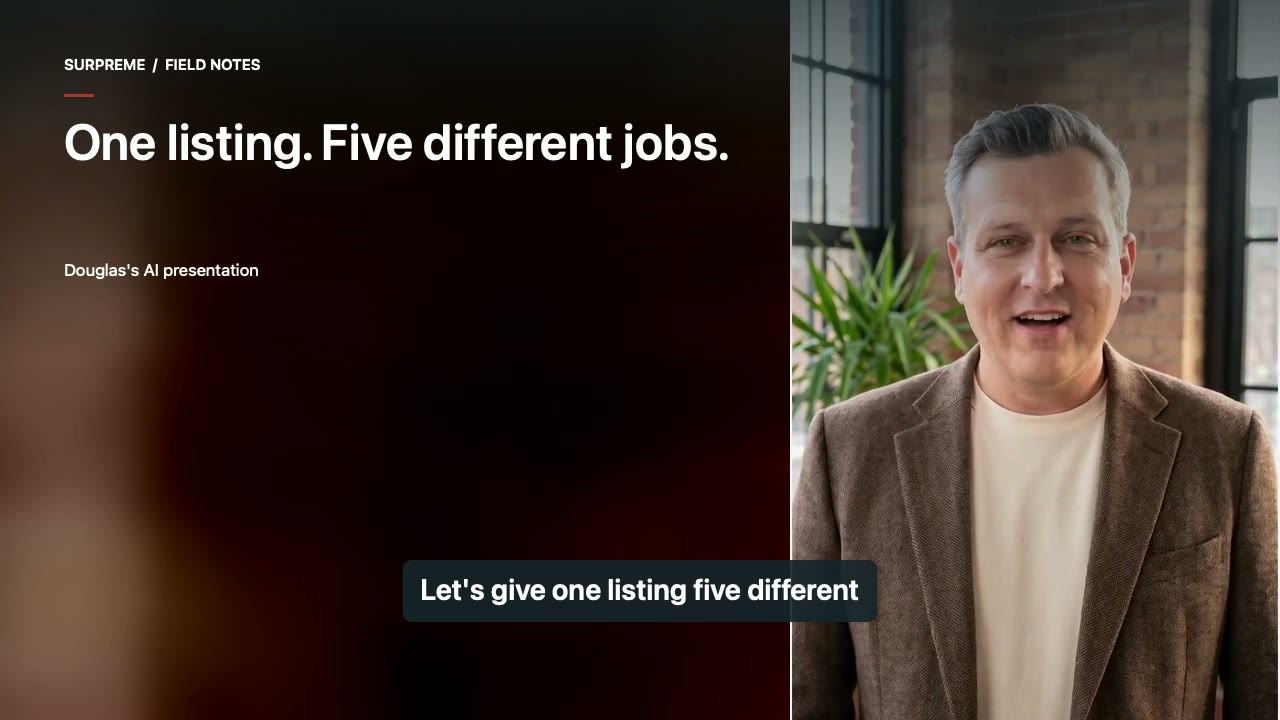
Douglas Connell’s authorized AI avatar and voice. Original educational examples; illustrative stock properties are identified in the chapter credits. No customer results or business outcomes are claimed.
1. Give every post a different job.
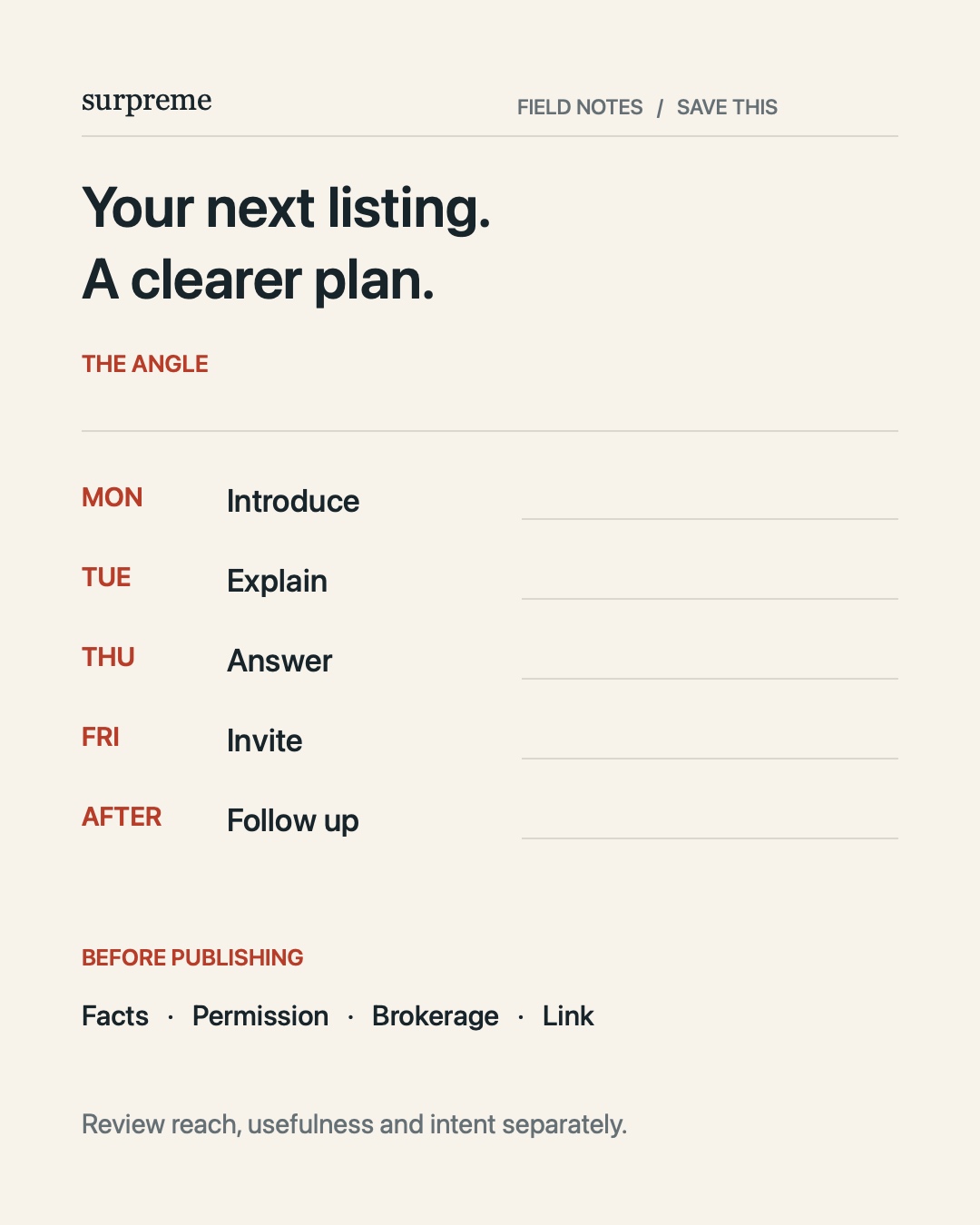
Let's give one listing five different jobs. Monday: the main film, so people get a feel for the home. Tuesday: one detail worth a closer look. Thursday: answer a question buyers asked. Friday: the invitation, with the right time and a simple way to respond. After the showing: a useful follow-up. Now compare that calendar with five Just Listed posts using the same clip. The first gives people a new reason to pay attention each time. Before writing captions, label each card: introduce, explain, answer, invite, follow up. If two cards do the same job, change one. That's your first campaign map.
2. Show the reason to stop.
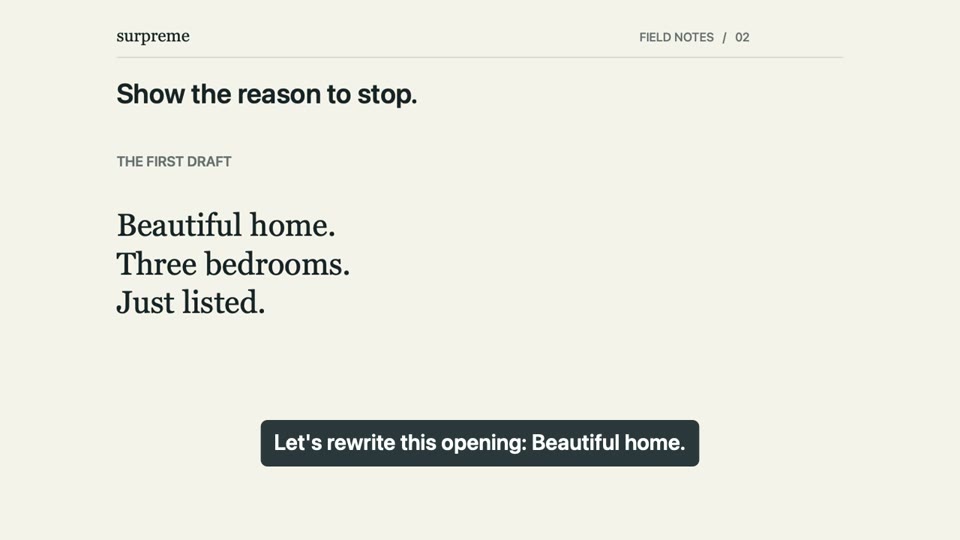
Let's rewrite this opening: Beautiful home. Three bedrooms. Just listed. Those details can come later. For a home with a covered outdoor dining area, try: A covered terrace, with room to bring dinner outside. Then show that space in one clear shot. The first version names the product. The second gives someone a reason to look closer. Keep the claim as specific as the footage. You don't need to say stunning three times. Pick the thing you'd point out during a showing, write one sentence about it, and put that shot first. Try both openings side by side. Which one makes you curious?
3. Build a film people can follow.
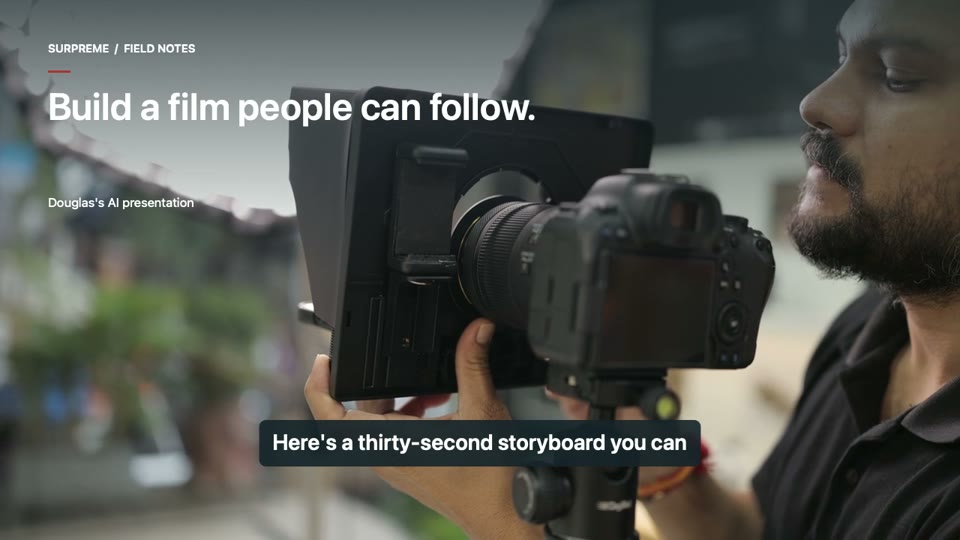
Here's a thirty-second storyboard you can actually use. From zero to three seconds, use the strongest view, with a short opening line. From three to nine, arrive at the entrance and establish the main living space. From nine to sixteen, slow down for one defining detail. From sixteen to twenty-four, show how the home connects to the outdoors, or another feature worth understanding. The final six seconds: a strong closing view and one next step. Compare that with a room changing every second while a paragraph races across the screen. The goal isn't to fit everything in. It's to make the home easy to follow, and leave someone wanting to see more.
4. Make the next post earn its place.
Now give the next post a different job. Take a storage feature. Plenty of storage is the first draft. Here's the better edit: one wide shot establishes the space. A close-up shows the shelves. A third shot shows how the space can be used. Now the viewer understands what they're looking at. Those three shots can become a short explanation or a three-image carousel: location, detail, use. Changing the music on the original tour doesn't add another idea. Answer a smaller question instead. What would someone ask if they were standing right here? Build the next post around that answer.
5. Make the next step obvious.
Let's follow the interested viewer. They watch the film, tap your profile, and find six unrelated links. Which one gets them to this home? Here's the cleaner version: one clearly named listing link, a page showing the same property, and a short inquiry form. Name, email, and what they'd like to know. Then a confirmation that explains what happens next. Keep the current property status visible. Put the showing request somewhere easy to find. Test the whole path on your phone. Don't just check that the link opens. Check that a person can understand where they are and what to do next.
6. Approve it. Learn from it.
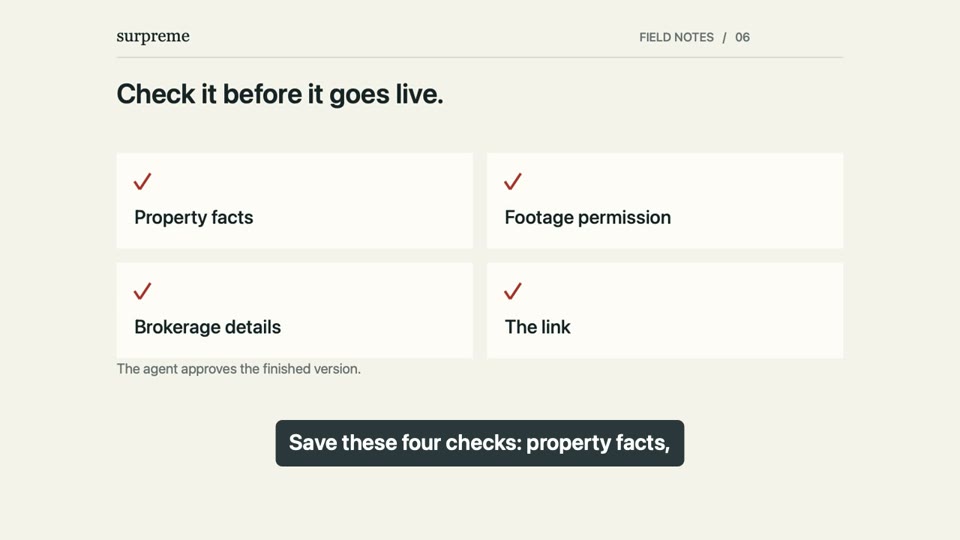
Save these four checks: property facts, footage permission, brokerage details, and the link. Get the agent's approval. Then measure three different things. First, reach. How many people saw it? Second, usefulness. Did they watch, save, or share? Third, intent. Did they ask a question, inquire, or request a showing? More reach doesn't guarantee more inquiries. If people leave before the important detail, show it earlier. Turn repeated questions into your next post. Keep the property status current. Want the production handled for you? Take a look at the examples on our website.
Open this film directly ↗
 surpreme
 Watch chapter